X360 Cloud Backup | Microsoft 365 & Google Workspace Backup Solution
X360 Cloud Backup: Secure Microsoft 365 & Google Workspace with Reliable Cloud Backup
Introduction
Today's businesses rely on cloud applications like Microsoft 365 and Google Workspace to keep communication, collaboration, and operations running smoothly. While these platforms offer outstanding availability, many organizations mistakenly assume that their data is fully protected against accidental deletion, ransomware, insider threats, or long-term data loss.
The reality is that cloud providers operate under a shared responsibility model, meaning your organization remains responsible for protecting its own data.
X360 Cloud Backup delivers comprehensive cloud backup for Microsoft 365 and Google Workspace, ensuring your emails, documents, Teams conversations, SharePoint libraries, and cloud files remain secure, recoverable, and protected against today's evolving cyber threats.
Why Businesses Need Cloud Backup
Cloud services reduce infrastructure management, but they do not replace dedicated backup.
Businesses lose critical cloud data every day because of:
Accidental deletion
Employee mistakes
Ransomware attacks
Malicious insiders
Account compromise
Synchronization errors
Compliance retention requirements
Without a dedicated backup solution, recovering lost information may be impossible after retention periods expire.
Protect Microsoft 365 Data
Microsoft 365 powers modern workplaces, but native retention policies are not designed as full backup solutions.
X360 Cloud Backup protects:
Exchange Online emails
OneDrive files
SharePoint Online libraries
Microsoft Teams conversations
Attachments
Calendars
Contacts
Automated backups occur three times daily, minimizing recovery point objectives and ensuring your latest business data remains protected.
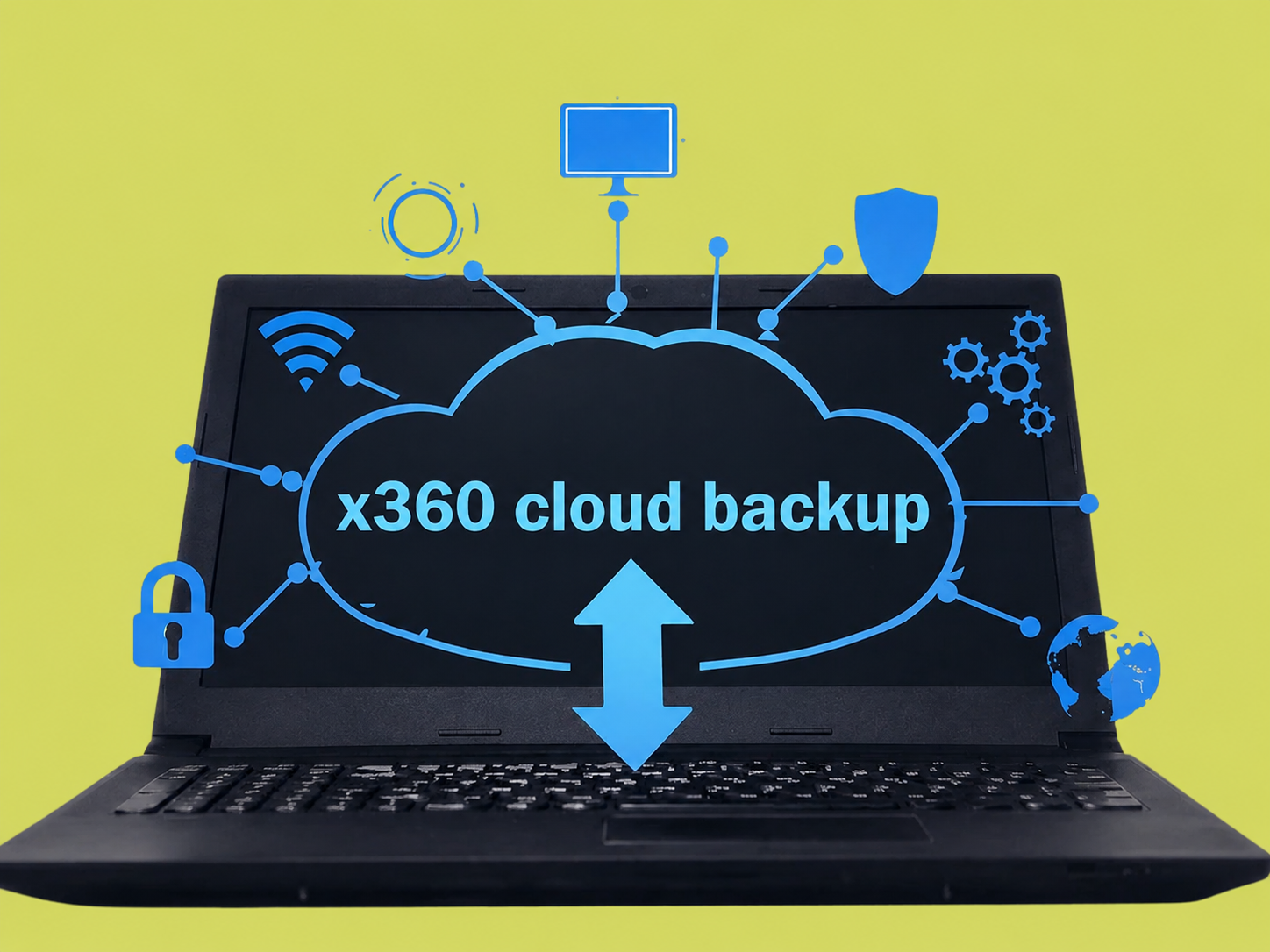
Backup Google Workspace with Confidence
Organizations using Google Workspace also face the same data protection risks.
X360 Cloud Backup safeguards:
Gmail
Google Drive
Shared Drives
Contacts
Calendars
Whether recovering a deleted email or restoring an entire employee account, administrators can quickly recover information without disrupting business operations.
Powerful Full-Text Email Search
Finding a specific email during legal discovery or an employee request can become frustrating.
X360 Cloud Backup includes full-text email search capabilities that allow administrators to locate emails quickly based on:
Sender
Recipient
Subject
Keywords
Attachments
Email content
Fast search significantly reduces recovery time while improving operational efficiency.
Built for Ransomware Protection
Cyberattacks continue to grow more sophisticated.
Traditional backups alone are no longer enough.
X360 Cloud Backup includes AirGap anti-ransomware technology, providing an isolated backup architecture that prevents ransomware from encrypting backup copies.
This additional layer of protection helps organizations recover quickly after cyber incidents while maintaining business continuity.
Long-Term Retention for Compliance
Many industries require organizations to retain business records for years.
Healthcare providers, legal firms, financial institutions, and professional services often need long-term access to emails and files for audits and regulatory compliance.
X360 Cloud Backup supports long-term retention, allowing organizations to preserve important information beyond the default retention periods offered by cloud providers.
SOC 2 Certified Security
Protecting business data requires more than backup.
X360 Cloud Backup is supported by SOC 2 certified infrastructure, demonstrating rigorous controls around:
Security
Availability
Confidentiality
Processing integrity
Organizations can confidently store backups knowing that industry-recognized security standards are maintained.
DNS & Policy Management for Email Protection
Email remains one of the most common attack vectors for cybercriminals.
X360 Cloud Backup includes DNS and policy management features that help strengthen:
Email authentication
Domain protection
Anti-spoofing policies
Proper DNS configuration reduces phishing attempts and protects your organization's reputation.
Rapid Recovery When Every Minute Matters
Downtime costs money.
Whether restoring:
a single email,
one SharePoint document,
an employee mailbox,
Microsoft Teams data,
or an entire Google Workspace account,
X360 Cloud Backup enables rapid recovery that minimizes operational disruption.
Quick restoration helps businesses resume productivity without lengthy recovery processes.
Ideal for Small and Growing Businesses
Many small businesses assume enterprise-grade backup is only for large organizations.
In reality, every business depends on cloud data.
X360 Cloud Backup provides enterprise-level protection for organizations of all sizes, making it an ideal solution for:
Medical practices
Law firms
Accounting firms
Financial advisors
Non-profit organizations
Professional services
Manufacturing companies
Small businesses
Growing enterprises
Benefits of X360 Cloud Backup
Businesses choosing X360 Cloud Backup gain:
Automated backups three times every day
Microsoft 365 backup
Google Workspace backup
Exchange Online protection
OneDrive backup
SharePoint backup
Microsoft Teams backup
Gmail backup
Google Drive backup
Full-text email search
Long-term retention
SOC 2 certified security
AirGap ransomware protection
DNS and email spoofing protection
Fast cloud recovery
Business continuity support
Secure cloud data storage
Protect Your Cloud Data Before It's Too Late
Cloud productivity platforms have transformed how businesses operate, but they do not eliminate the need for dedicated backup and disaster recovery.
Whether you're protecting Microsoft 365, Google Workspace, or preparing your organization for ransomware threats, X360 Cloud Backup provides the security, resilience, and recoverability your business depends on.
Investing in a reliable cloud backup solution today ensures your critical business information remains protected tomorrow.
FAQ
Does Microsoft 365 include backup?
Microsoft 365 provides availability and retention features but does not replace a dedicated backup solution for accidental deletion, ransomware, or long-term recovery.
What does X360 Cloud Backup protect?
It protects Microsoft Exchange Online, OneDrive, SharePoint, Teams, Gmail, Google Drive, Contacts, Calendars, and other cloud data.
How often are backups performed?
Backups are performed three times daily to reduce potential data loss.
Is X360 Cloud Backup protected against ransomware?
Yes. AirGap anti-ransomware technology helps isolate backup data from ransomware attacks.
Is it suitable for small businesses?
Absolutely. It is designed for organizations of all sizes that rely on Microsoft 365 or Google Workspace.
Interested to learn more about X360 Cloud Backup? Click here: https://heartfeltit.com/itconcierge