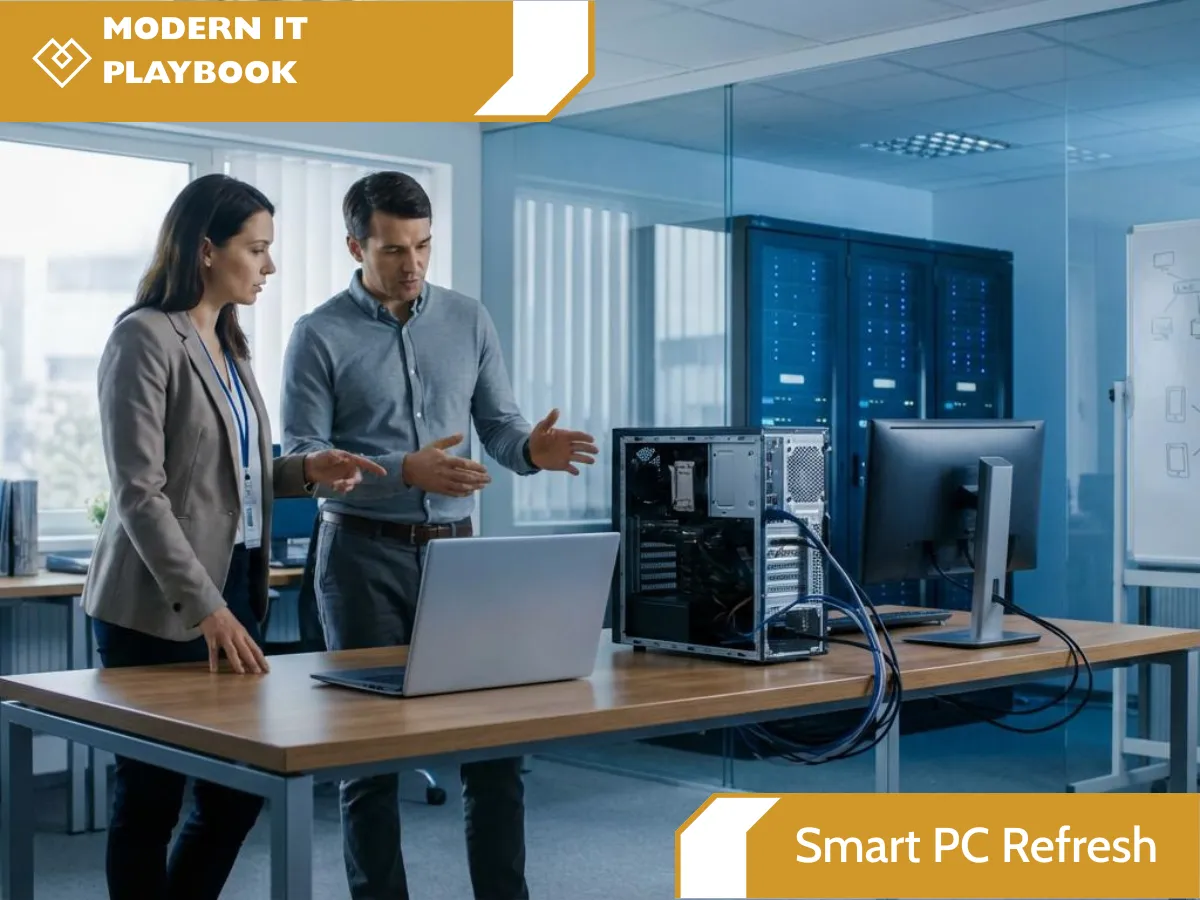
Smart PC Refresh | Computer Lifecycle Management
Smart PC Refresh: A Smarter Way to Manage the Life Cycle of Your Computers
Computers are an essential part of almost every modern business. Employees rely on them to communicate, access applications, manage information, serve customers, and complete their daily work. But like any business asset, computers have a limited useful life.
The challenge isn't simply buying a new computer when an old one stops working. Effective computer lifecycle management means knowing what computers you have, how they are being used, when they may need to be replaced, what software they require, when their warranties expire, and what should happen to the device when it reaches the end of its useful life.
That's where Smart PC Refresh comes in.
Smart PC Refresh provides a proactive approach to managing the life cycle of a computer, helping businesses stay organized and plan ahead instead of waiting for an unexpected computer failure to disrupt productivity.
What Is Smart PC Refresh?
Smart PC Refresh is a complete approach to computer lifecycle management that helps businesses understand and manage their computers from their time in service through replacement and retirement.
The process focuses on five important areas:
Computer Inventory Management
Planning for Replacements
Replacement Labour
Installed Software Inventory
Computer Warranties
Beyond these core areas, a complete computer lifecycle also needs to consider what happens when an old device is ready to leave the organization, including data sanitization, secure retirement, and computer donation.
The goal is simple: make computer management more predictable, organized, and less disruptive to your business.
1. Computer Inventory Management
How many computers are in use? What kinds of computers do you have? Who is using them? How old are they?
These are important questions for any business.
Computer inventory management provides visibility into the technology your organization depends on. Instead of trying to determine what devices are being used when something goes wrong, businesses can maintain an organized inventory of their computers and related equipment.
Computer asset management can help track information such as device type, model, serial number, assigned user, location, age, and lifecycle status.
Having an accurate computer inventory also makes it easier to identify aging equipment, understand your technology environment, and make informed decisions about future computer purchases.
You can't effectively plan your technology refresh if you don't know what you already have.
2. Planning for Computer Replacements
When will these computers need to be replaced? How long will an employee be without a computer if one fails?
Computer failures rarely happen at a convenient time.
Waiting until a computer becomes unusable can lead to unexpected expenses, employee downtime, and rushed purchasing decisions. Computer replacement planning takes a proactive approach by identifying computers that may be approaching the end of their useful life.
A planned hardware refresh allows businesses to anticipate replacement needs and budget accordingly.
Instead of asking, “What do we do about this computer that just died?”, you can ask, “Which computers should we replace next?”
This shift from reactive computer replacement to proactive PC lifecycle management can make technology planning much easier.
It can also help minimize disruption for employees because replacement equipment can be planned and prepared before an aging computer becomes a major problem.

3. Computer Replacement Labour
Buying a replacement computer is only one part of the process.
A new computer needs to be prepared and configured for the employee who will use it. Depending on the organization, this may involve setting up accounts, installing applications, configuring settings, connecting the device to business systems, and ensuring the employee can get back to work.
With Smart PC Refresh, replacement labour is included at no additional charge when replacing a broken computer.
That means businesses don't have to worry about the additional labour involved in getting the replacement computer up and running.
The objective is to make computer replacement as seamless as possible while reducing the amount of time an employee is unable to work.
4. Installed Software Inventory
A computer isn't just a piece of hardware. The software installed on it is an important part of the employee's working environment.
Installed software inventory helps answer questions such as:
What software is being used?
Which applications does an employee need?
What programs are installed across the organization?
What software may need to be transferred or installed on a replacement computer?
What applications are associated with ongoing costs?
Maintaining an installed software inventory can make computer replacement planning more efficient.
When a new computer is being prepared, understanding the existing software environment can help ensure that the employee has the applications they need to continue working.
Software visibility also contributes to broader IT asset management and endpoint management strategies.
5. Computer Warranty Management
A computer warranty can play an important role in determining whether a device should be repaired, retained, or replaced.
Computer warranty management helps businesses keep track of their computer warranties and understand which devices are approaching the end of their warranty coverage.
Without organized warranty tracking, it can be easy for an organization to overlook warranty expiration dates.
By incorporating computer warranties into the computer lifecycle, businesses can make better-informed decisions about their technology investments.
Warranty information, computer age, device performance, and inventory data can all contribute to a more effective computer replacement planning process.
What Happens When an Old Computer Reaches the End of Its Life?
Computer lifecycle management doesn't stop when a new computer is purchased.
An old computer may contain business information, personal information, credentials, files, and other sensitive data. Simply deleting files isn't necessarily enough when a device is leaving the organization's control.
Old Computer Data Sanitization
Old computer data sanitization is an important part of responsible computer retirement.
Before an old computer is donated, recycled, repurposed, or otherwise disposed of, appropriate steps should be taken to remove data from its storage media.
Secure data wiping and data sanitization help reduce the risk of information remaining accessible on retired equipment.
This is an important consideration for businesses managing the final stage of their IT asset lifecycle.
Old Computer Donation
What happens to a computer after it has been replaced?
If an old device is still suitable for use, old computer donation can provide an opportunity to give that technology another purpose.
Rather than automatically sending usable equipment to disposal, eligible computers can potentially be donated after the appropriate data sanitization and retirement process.
This creates a more thoughtful approach to computer retirement and IT asset disposition, while helping extend the useful life of technology where appropriate.
Manage Your Entire Computer Lifecycle With Smart PC Refresh
Your business shouldn't have to wait for computers to fail before thinking about replacements.
Smart PC Refresh brings the different stages of computer lifecycle management together, from understanding your current computer inventory to planning replacements, managing warranties and installed software, completing replacement labour, and responsibly handling old computers.
The process can be summarized simply:
Inventory → Plan → Replace → Manage → Retire
With better visibility into your computers, your organization can make more informed decisions about technology, reduce unexpected disruptions, and plan for future hardware needs.
Whether you call it computer lifecycle management, PC lifecycle management, IT asset management, computer asset management, or a hardware refresh strategy, the objective is the same: keep your technology working for your business while planning ahead for what's next.
Ready for a Smarter Computer Refresh?
Don't wait for your next computer failure to start planning.
Smart PC Refresh helps businesses take a proactive approach to managing their computers throughout their entire lifecycle.
From computer inventory management and replacement planning to software inventory, warranty management, replacement labour, data sanitization, and old computer donation, Smart PC Refresh helps make managing business computers simpler and more predictable.
Contact Heartfelt IT to learn how Smart PC Refresh can help your business stay ahead of its computer lifecycle.
FAQ Section
What is computer lifecycle management?
Computer lifecycle management is the process of managing computers throughout their useful life, including inventory, deployment, maintenance, replacement planning, warranty tracking, and retirement.
What is computer inventory management?
Computer inventory management involves tracking the computers used by an organization, including information such as device type, model, serial number, assigned user, age, and lifecycle status.
How often should business computers be replaced?
The appropriate replacement schedule depends on factors such as computer age, performance, warranty status, business requirements, and the organization's technology strategy. Proactive replacement planning can help prevent unexpected failures and downtime.
What is an installed software inventory?
An installed software inventory identifies the applications installed on business computers. This information can help organizations understand software requirements when managing and replacing devices.
What should happen to an old business computer?
An old business computer should be appropriately retired. Depending on its condition, this may involve secure data sanitization followed by reuse, donation, recycling, or another appropriate form of IT asset disposition.
Why is data sanitization important when replacing computers?
Old computers can contain business and personal information even after files have been deleted. Appropriate data sanitization helps protect information before a device is transferred, donated, recycled, or otherwise retired.