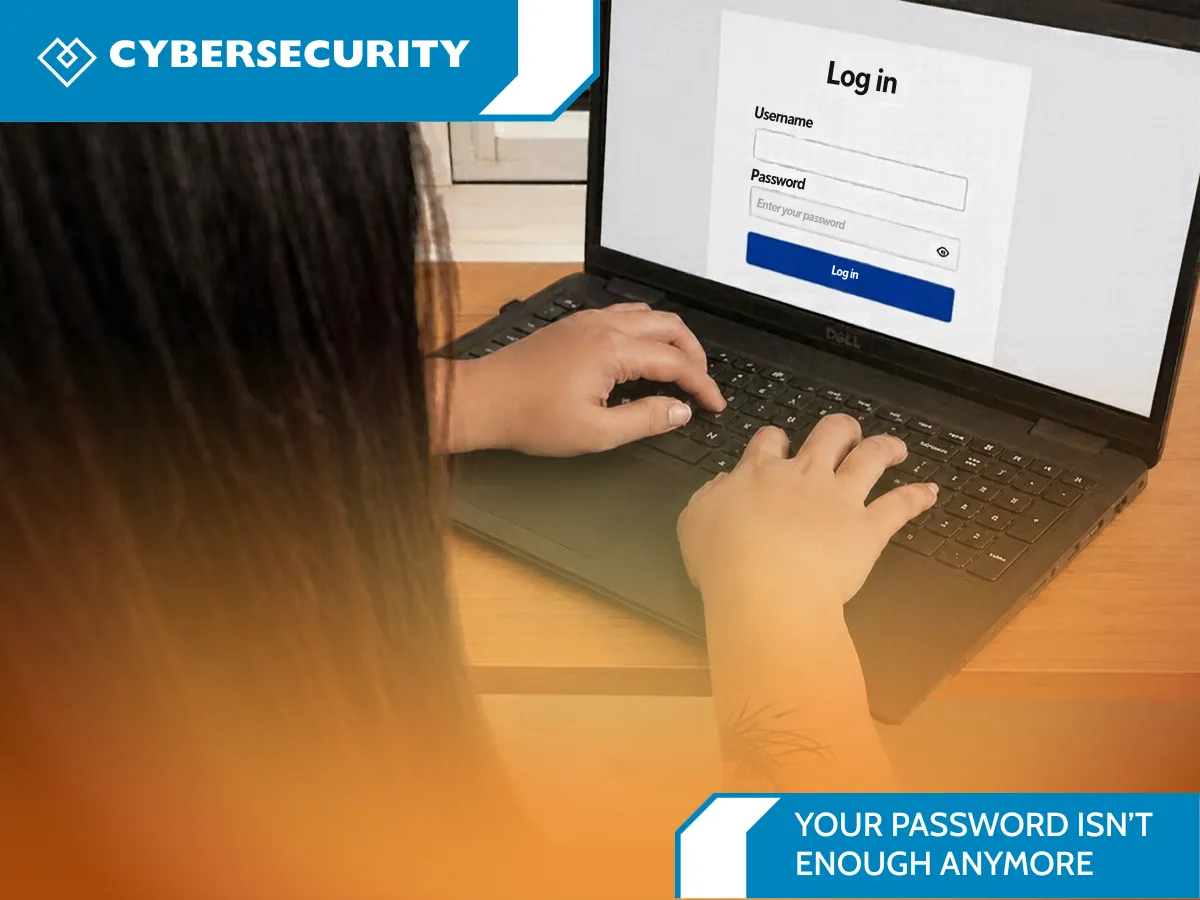
Your Password Isn’t Enough Anymore
Add MFA and Protect Your Accounts
You use a long password. You avoid reusing it. You may even change it when a website tells you to. So why are security experts still asking people to do more?
Because a password can be guessed, stolen in a data breach, or tricked out of you by a convincing phishing message. If someone gets that password and you use it on more than one account, the damage can spread quickly. A strong password still matters, but it should be one part of your account security—not the whole plan.
The good news: adding a few practical protections can make it much harder for someone else to sign in as you. This October, for Cybersecurity Awareness Month, here are simple steps you can take at home and at work.
Why a password alone can fail
Cybercriminals don’t always break into an account by guessing a complicated password. They may use login details exposed in a data breach, then try the same email and password on other websites. This is called credential stuffing. Or they may send a fake delivery notice, invoice, or account alert that leads you to a lookalike sign-in page. That’s phishing.
Even a unique password can be exposed if you enter it on a fraudulent page or if the service storing it is breached. And if an attacker gets into your email, they may be able to reset passwords for other accounts. That makes your email account especially important to protect.
Add a second step with MFA
Multi-factor authentication (MFA), sometimes called two-factor authentication (2FA) or two-step verification, asks you to prove it’s you in more than one way. For example, after entering a password, you may approve a prompt in an authenticator app or use a security key. That extra check can stop someone who has your password from signing in.
Turn on MFA first for your email, banking, social media, shopping, and work accounts—especially any account that can reset other passwords or access sensitive information. Use the strongest option the service supports. A security key or passkey is generally more resistant to phishing than a code sent by text. An authenticator app is also a useful option when a security key isn’t available. Any MFA is usually better than password-only access.
Never approve a sign-in prompt you didn’t initiate, and don’t share one-time codes with anyone who contacts you. A real support agent should not need your code.
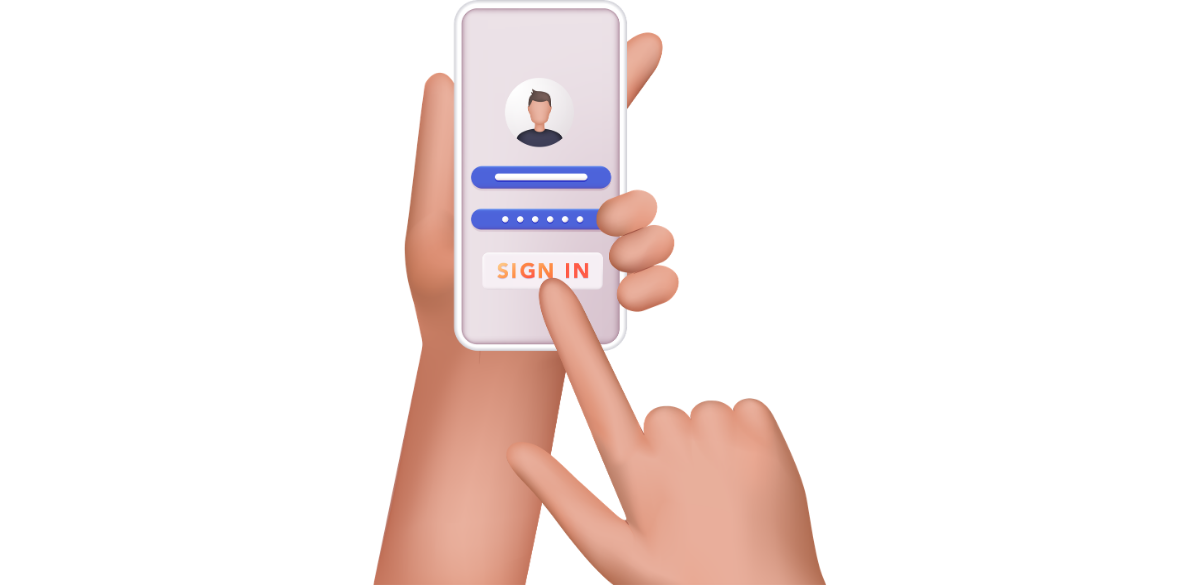
Consider passkeys and a Password Manager
A passkey lets you sign in using a device’s screen lock, fingerprint, or face recognition, backed by cryptographic technology. Passkeys are tied to the legitimate website or app, so they are designed to resist common fake-login-page phishing. Where a trusted service offers passkeys, consider enabling one, especially for your email or other high-value accounts. Keep your device’s operating system updated and understand the service’s account recovery options.
For accounts that still use passwords, a password manager can generate and store a different, hard-to-guess password for every site. You only need to remember the manager’s master password, so you’re less likely to reuse passwords or save them in an unsecured note. We offer a password manager to help individuals and teams create, store, and manage unique passwords more safely. Ask us how it could fit into your organization’s security setup. Protect the manager with MFA and keep its recovery information somewhere safe.
A quick account security checkup
You don’t have to overhaul everything today. Start with these steps:
1. Secure your email. Use a unique password or passkey and turn on MFA.
2. Turn on MFA for important accounts. Prioritize banking, shopping, cloud storage, social media, and work tools.
3. Replace reused passwords. A password manager can help you create and store unique ones.
4. Review recovery settings. Check that backup email addresses and phone numbers are current. Store recovery codes somewhere private and secure.
5. Pause before you click. Open the app or type the known website address instead of using an unexpected sign-in link. Verify unusual requests through a separate, trusted channel.
6. Update your devices and apps. Updates often include security fixes that help close known weaknesses.
If you think a password has been exposed, change it on the affected service and anywhere else you reused it. Start with your email, then review sign-in activity, sign out unfamiliar sessions, and update recovery details. If it’s a work account, report it to your IT or security team promptly.
What this means for a business
For a business, one compromised password can expose customer information, email, shared files, or financial workflows. Start by requiring MFA for employee email, remote access, administrator accounts, and cloud applications. Give employees a password manager and clear instructions for reporting suspicious messages. Review who has access to important systems, remove accounts that are no longer needed, and make sure software updates are applied.
Small and midsize organizations don’t need to solve every security challenge at once. A practical review can help identify which accounts and systems deserve attention first, where MFA is missing, and whether staff know what to do when something feels suspicious.
Make your next sign-in safer
Your password still matters. Pairing it with MFA, unique credentials, a password manager, or a passkey makes your accounts more resilient to phishing and stolen login details. Pick one important account and strengthen it today; then work through the rest over time.
Want help understanding where your business may be relying on passwords alone? Meet with us here: https://heartfeltit.com/meeting. We’ll help you review practical next steps for your team, accounts, and systems—without making security harder than it needs to be.
October is Cybersecurity Awareness Month. Use this month to make one useful improvement, then keep the habit going all year.