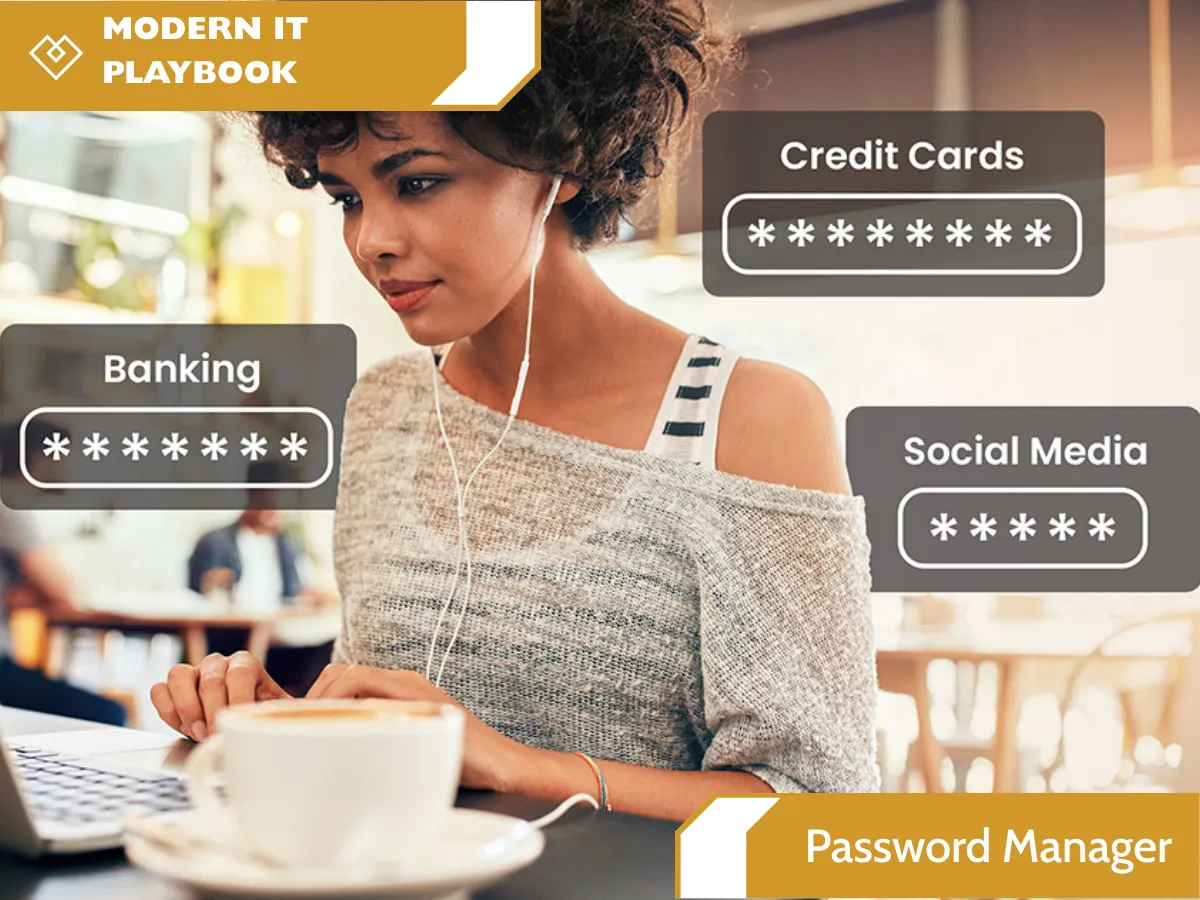
Enterprise-Grade Business Password Manager & Vault
Every business in Ontario, from nimble nonprofits to scaling enterprises, operates on a massive ecosystem of digital credentials. Every SaaS application, bank account, social media profile, and backend server requires a unique, complex login. In a busy operational environment, the challenge isn’t just remembering these passwords; it’s securely managing how they are created, stored, and shared among team members.
For too long, organizations have relied on dangerous, convenience-first habits: the dreaded sticky note attached to a monitor, unencrypted Excel spreadsheets, or, perhaps most dangerous of all, the browser-saved passwords feature in Chrome or Edge.
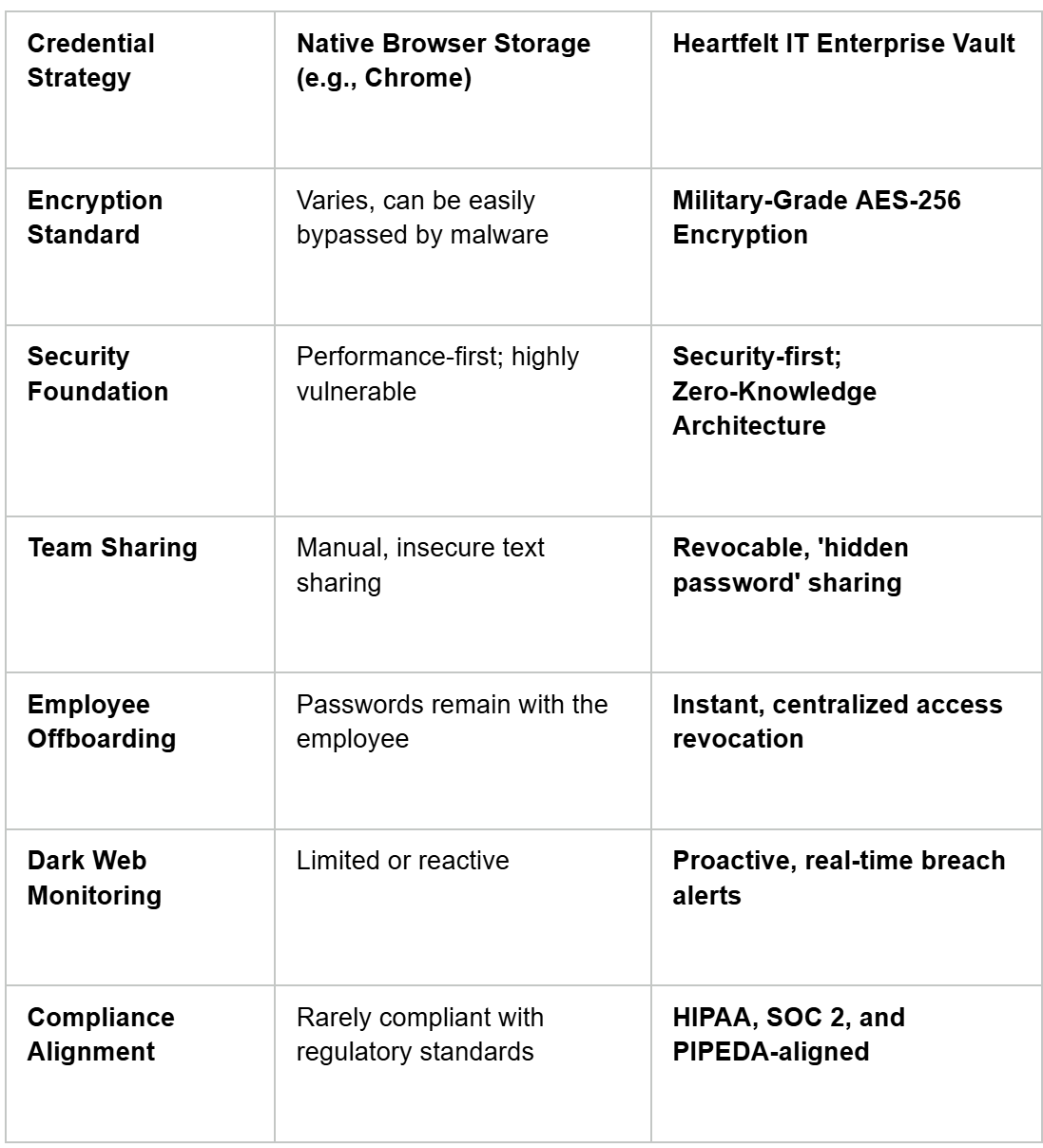
The convenience of native browser storage comes at a catastrophic cost. Browsers are not security products; they are designed for performance. Native password tools are surprisingly easy for hackers to exploit via sophisticated malware or even a single, well-executed phishing email. When a browser’s master key is compromised, every stored login credential leaks simultaneously.
At Heartfelt IT, we deliver enterprise-grade security for your business credentials. We transition your team from vulnerability to a centralized, encrypted corporate password vault framework that keeps your organization compliant and resilient.
The Hidden Costs of Weak Credential Management
Weak, reused, or compromised passwords remain the number one leading cause of corporate data breaches globally. The modern threat landscape doesn't rely on complex hacking algorithms to guess your passwords; cybercriminals simply acquire them through phishing deployment or purchase them on illicit forums following a third-party breach.
If your staff members reuse the same simple password for their personal email and your company’s internal financial portal, your organization’s risk profile increases exponentially. In the era of mandatory compliance standards (such as PIPEDA in Canada), a single compromised credential can lead to massive regulatory fines and irreparable reputational damage.
Our centralized management platform eliminates these cascading risks by making secure habits seamless.
How Our Business Password Manager Works
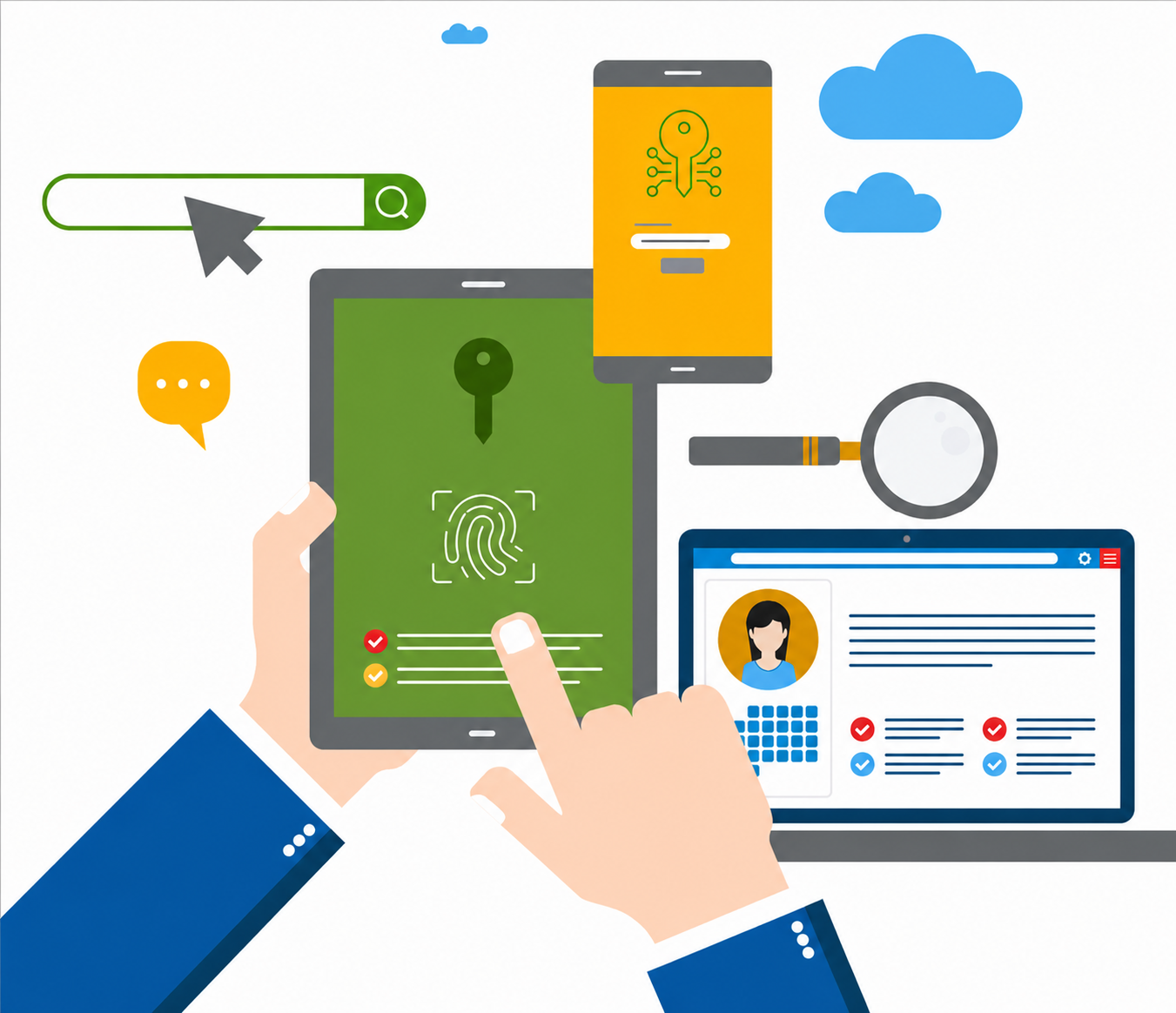
Our platform is built on a foundational zero-knowledge architecture. This means your master password and your encrypted vault data are never transmitted to our servers or accessible by our team. Only you possess the decryption keys.
1. A Unified, Encrypted Vault for Every User
Upon deployment, every team member receives a personal, highly secure encrypted vault. This private digital safe utilizes military-grade AES-256 encryption to store all their personal work logins, generating unique, complex passwords for every new account automatically. This initiative completely eliminates employee password reuse across your network.
2. Secure, Revocable Password Sharing
Collaboration is vital. Your marketing team needs to share access to social media dashboards; your accounting department needs to access shared bank logins. Our platform enables secure password sharing between specific individuals or predefined technical groups—without ever revealing the actual plaintext password. Staff can use the credential to log in seamlessly, but they cannot see, copy, or export the password itself.
3. Comprehensive Cross-Platform Accessibility
A security tool that slows down your workflow is a tool that employees won't use. Our platform provides unified access across all work environments:
Browser Extensions: Real-time autofill capabilities for both desktop and laptop stations.
Desktop Applications: Dedicated software for native operating system integration.
Mobile Applications: Instant access via iOS and Android apps for field staff and remote executives.
4. Proactive Dark Web Monitoring for Breaches
Our system doesn't just store data; it actively defends it. We provide automated dark web monitoring that continuously scans billions of leaked records on illicit marketplaces and hacker forums. If any of your employees’ corporate credentials appear in a third-party breach database (such as a leaked LinkedIn or Adobe database), your security administrators are immediately alerted. You can then proactively force a credential rotation before a malicious actor uses that leaked information to target your specific network.
5. Streamlined Onboarding and Offboarding
Hiring new employees requires providing instant access to dozens of systems. Our platform utilizes a specialized one-time share functionality, allowing HR and IT to deploy vital access credentials to new hires securely. When an employee leaves the organization, their vault access can be revoked instantly. This action automatically rotates any shared credentials they previously used, ensuring the organization maintains complete data sovereignty during offboarding.
Advanced Access Controls: Biometrics and Passwordless Logins
To balance security with user experience, our enterprise-grade solutions integrate advanced Identity and Access Management (IAM) features:
Biometric Authentication: Streamline daily login workflows. Users can unlock their vaults securely using native device hardware, such as a fingerprint scanner on a mobile phone or Windows Hello / Touch ID on laptops.
Passwordless Options: Our platform supports the transition away from traditional passwords entirely, using security keys (like YubiKey) and FIDO2 protocols to create authentication flows that are highly resilient to phishing attacks.
The Difference Between Browser Management and Heartfelt IT
Frequently Asked Questions
Is a password manager safe? What if they get hacked?
Our zero-knowledge architecture ensures that even in the incredibly statistically unlikely event that our platform's backend infrastructure were compromised, the data remains a completely useless, unreadable mess. Because we never store your master decryption key, cybercriminals have nothing to steal. Your vault can only be decrypted by your master password.
Can my employees store personal passwords in the work vault?
It depends on your configuration, but we strongly recommend encouraging good habits. The best practice is for employees to use a separate personal password manager for their non-work life. We can configure policy settings to prevent the mixing of personal and corporate credentials.
How long does it take to deploy to my entire team?
Implementation is swift. For an organization of 50 users, deployment, training, and vault creation can be executed and verified in just a few days. We provide comprehensive training to ensure immediate adoption and minimal operational friction.
Interested to learn more about Password Manager? Click here: https://heartfeltit.com/itconcierge