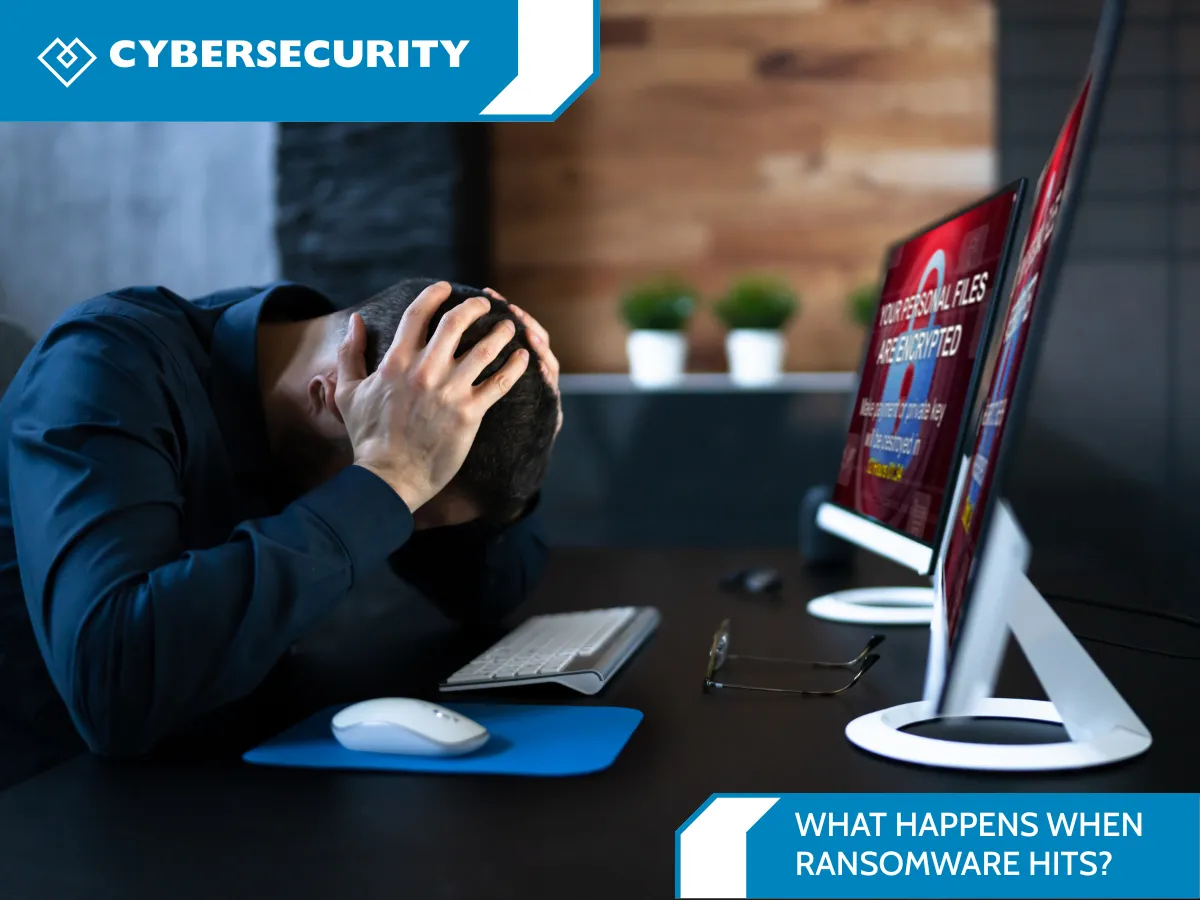
What Happens When Ransomware Hits? Backups & Recovery
Why Your Backups Could Save Your Business
Imagine starting your workday, opening your computer, and realizing you can't access your files.
Client information. Documents. Financial records. Shared folders. Important business data.
Locked.
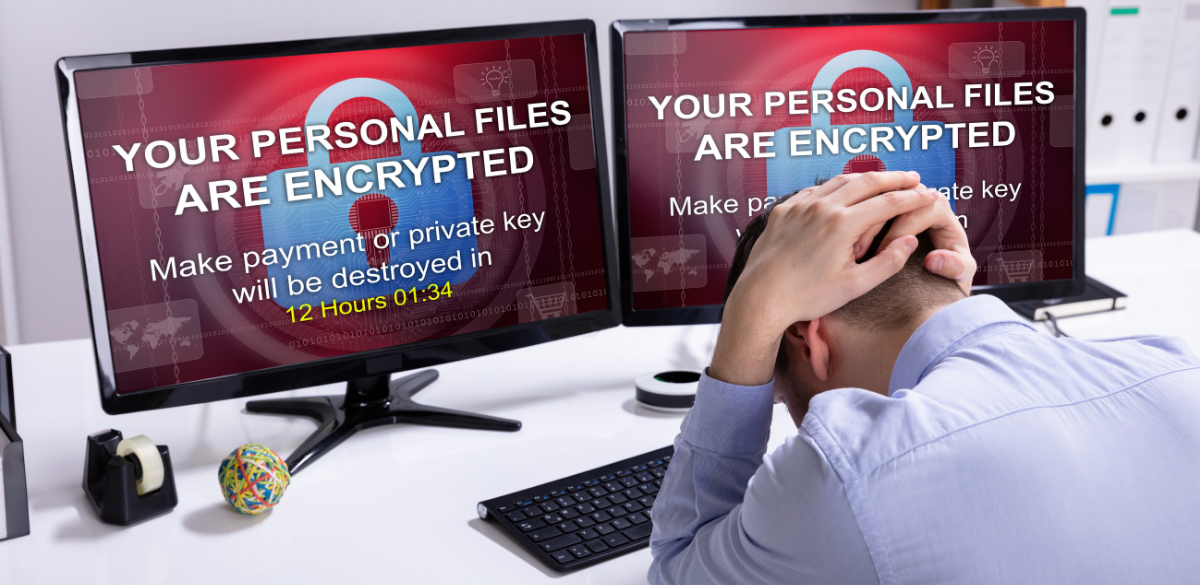
Then comes the message: your files have been encrypted, and someone wants money to unlock them.
That's ransomware.
For a small business or nonprofit, a ransomware attack isn't just an IT problem. It can quickly become an operations, financial, privacy, and business continuity problem.
The question isn't only, “How do we stop ransomware?”
There's another question every organization should be asking:
“If ransomware gets through, can we recover?”
That's where a good backup and recovery strategy becomes incredibly important.
First, What Is Ransomware?
Ransomware is a form of malicious software used to disrupt access to systems or data, often by encrypting files and demanding payment.
But modern incidents can go beyond one infected computer.
Depending on how the environment is compromised, an attacker may try to access shared drives, servers and even backup systems. This is exactly why simply saying“we have backups” isn't enough.
Backups need to be protected, monitored and tested.
Current ransomware-resilience guidance emphasizes protecting backups because attackers may deliberately target backup infrastructure.
What Happens When Ransomware Hits a Business?
Every incident is different, but the impact can become serious very quickly.
Your team may lose access to:
Business files
Client or donor information
Shared documents
Applications
Servers
Accounting information
Operational systems
Work can slow down or stop entirely.
And that's when the difference between having a backup and having a real recovery plan becomes clear.
A backup is a copy of your data.
A recovery plan answers a much bigger question:
How are we going to get the business running again?
“But We Already Have Backups.”
That's great.
Now comes the important part:
When was the last time you tested them?
It's a surprisingly important question.
A backup strategy shouldn't only focus on whether data is being copied. Your IT team should also understand:
What is being backed up?
Where are the backups stored?
Who can access or delete them?
How long are backups retained?
Could ransomware reach the backups?
Have you actually tested restoring the data?
That final question is easy to overlook.
The first time you test a backup shouldn't be the day you desperately need it.
The 3-2-1 Backup Rule
One well-known approach to data protection is the 3-2-1 backup strategy.
In simple terms:
3 copies of your data
Keep your working data plus additional backup copies.
2 different types of storage
Avoid depending entirely on a single storage location or technology.
1 copy offsite
Keep at least one backup separate from your primary environment.
The traditional 3-2-1 approach remains a useful foundation for data protection. What Is the 3-2-1 Backup Strategy? Examples & Best Practices describes the model as three data copies, two media types and one offsite copy.
However, ransomware has changed the conversation.
Organizations increasingly consider the 3-2-1-1-0 approach, which adds an offline or immutable copy plus verified recovery.
You don't necessarily need to remember the numbers.
The important idea is simple:
Don't let every copy of your important data be vulnerable to the same attack.
Why Immutable Backups Matter
An immutable backup is designed so stored backup data cannot simply be changed or deleted during its protected retention period.
Why does that matter?
Imagine having automated backups running every night, but the ransomware attacker gets sufficient access to delete or encrypt those backups too.
Suddenly your recovery option may disappear.
Modern approaches therefore emphasize keeping at least one copy offline, air-gapped, or immutable so that a compromise of the production environment is less likely to affect every recovery copy.
Think of it like keeping a spare key.
It's not very helpful if the spare key is locked inside the building you're locked out of.
Backups Are Only Half the Story
Let's say ransomware hits and your protected backup is safe.
That's excellent.
But then come the next questions:
How quickly can you restore it?
Which systems need to come back first?
Who is responsible for recovery?
Can employees continue working while recovery happens?
This is where disaster recovery and business continuity planning become important.
Your recovery plan should identify your most important systems and data, establish recovery priorities, define responsibilities and include regular restore testing.
Regular testing matters because a backup you can't successfully restore doesn't give you much protection when an actual emergency occurs. Modern backup guidance specifically emphasizes restore verification.
Could Your Business Recover From Ransomware Today?
Here's a simple cybersecurity exercise you can do during Cybersecurity Awareness Month.
Ask yourself:
If all of our important systems became unavailable tomorrow morning, what would we do?
Then ask:
Do we know what data is backed up?
Are backups automated?
Do we have an offsite backup?
Is a backup isolated or immutable?
Are backups monitored?
Do we regularly test restores?
Do we know how quickly critical systems could be recovered?
Does our team know who to contact during a cyber incident?
If you aren't sure about some of those answers, that's okay.
The important part is finding the gaps before an emergency finds them for you.
Cybersecurity Isn't About Creating Fear
Cybersecurity can sometimes feel overwhelming.
There are threats, alerts, passwords, phishing emails, security tools, backups and endless technical terminology.
But good cybersecurity doesn't have to start with complicated technology.
It can start with one simple question:
“If something goes wrong, are we prepared?”
For small businesses and nonprofits, having someone regularly reviewing backups, security, recovery and the overall IT environment can make that question much easier to answer.
Let's Find Out Before You Need Your Backup
October is Cybersecurity Awareness Month, so we're using it as an opportunity to help organizations think about cybersecurity in practical, understandable ways.
And backups are a great place to start.
If you're not completely sure whether your organization's data is properly backed up, protected and recoverable, let's take a look together.
Heartfelt IT can help review your backup and recovery setup, identify potential gaps and talk through what recovery could look like if ransomware ever hits your organization.
No complicated cybersecurity lecture.
Just a practical conversation about protecting your organization and keeping it running.