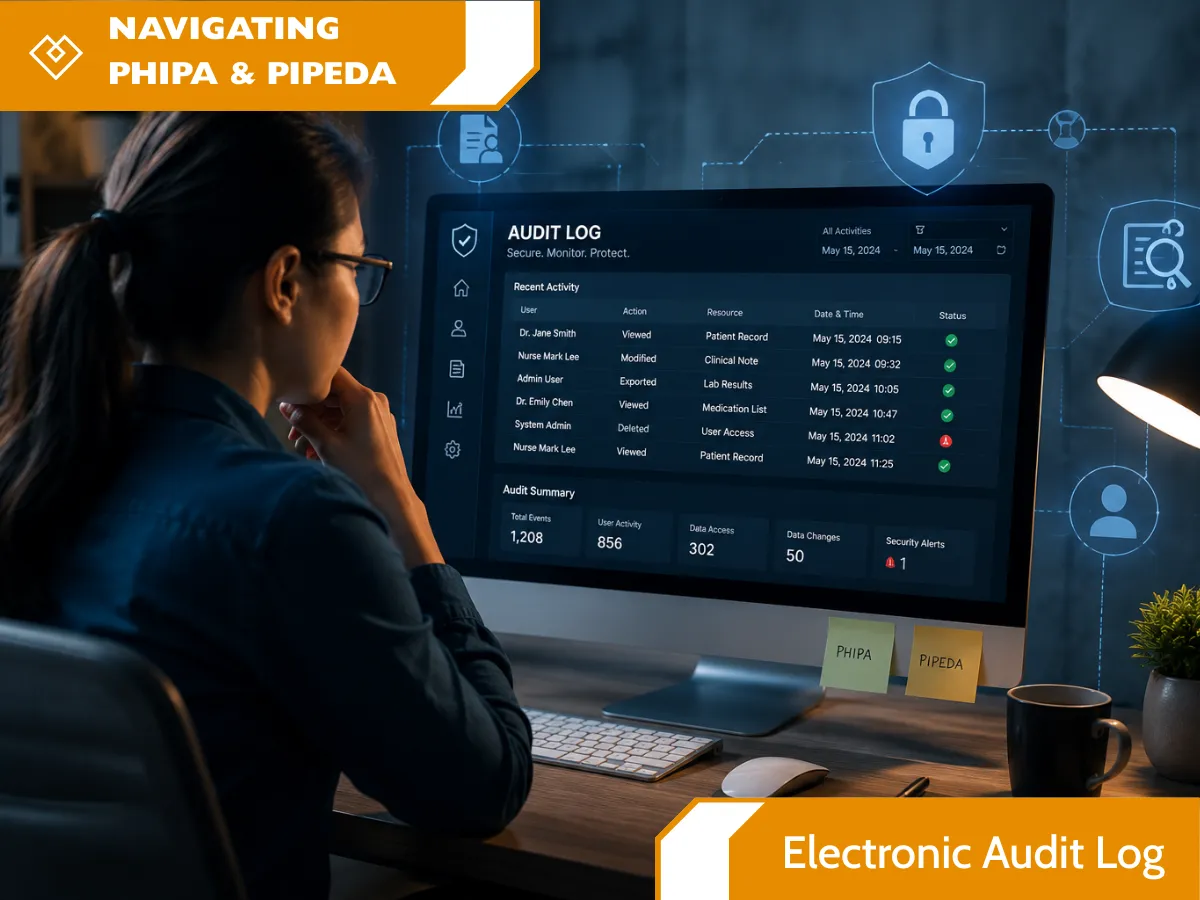
PHIPA Section 10.1 Electronic Audit Log Guide
Healthcare organizations across Ontario are responsible for protecting Personal Health Information (PHI) while maintaining transparency over how electronic records are accessed and managed. Under Ontario's Personal Health Information Protection Act (PHIPA), Section 10.1 establishes specific requirements for organizations that use electronic systems to collect, use, disclose, modify, retain, or dispose of patient information.
If your clinic relies on electronic systems to manage patient information, maintaining an electronic audit log is no longer optional. Your organization must be able to demonstrate that electronic records are properly maintained, monitored, and available when required.
This guide explains the statutory requirements outlined in PHIPA Section 10.1 and highlights how commonly used platforms such as Microsoft 365 and Google Workspace can be configured to support electronic audit log requirements.
What Is an Electronic Audit Log Under PHIPA?
PHIPA Section 10.1 requires health information custodians that use electronic means to manage Personal Health Information to maintain an electronic audit log and comply with applicable regulatory requirements.
The legislation requires healthcare organizations to:
Maintain, or require the maintenance of, an electronic audit log.
Audit and monitor the electronic audit log as required by the regulations.
Comply with any additional prescribed requirements.
The legislation also states that healthcare organizations must provide a copy of the electronic audit log to the Commissioner upon request, even when the audit log contains Personal Health Information.
What Information Must an Electronic Audit Log Include?
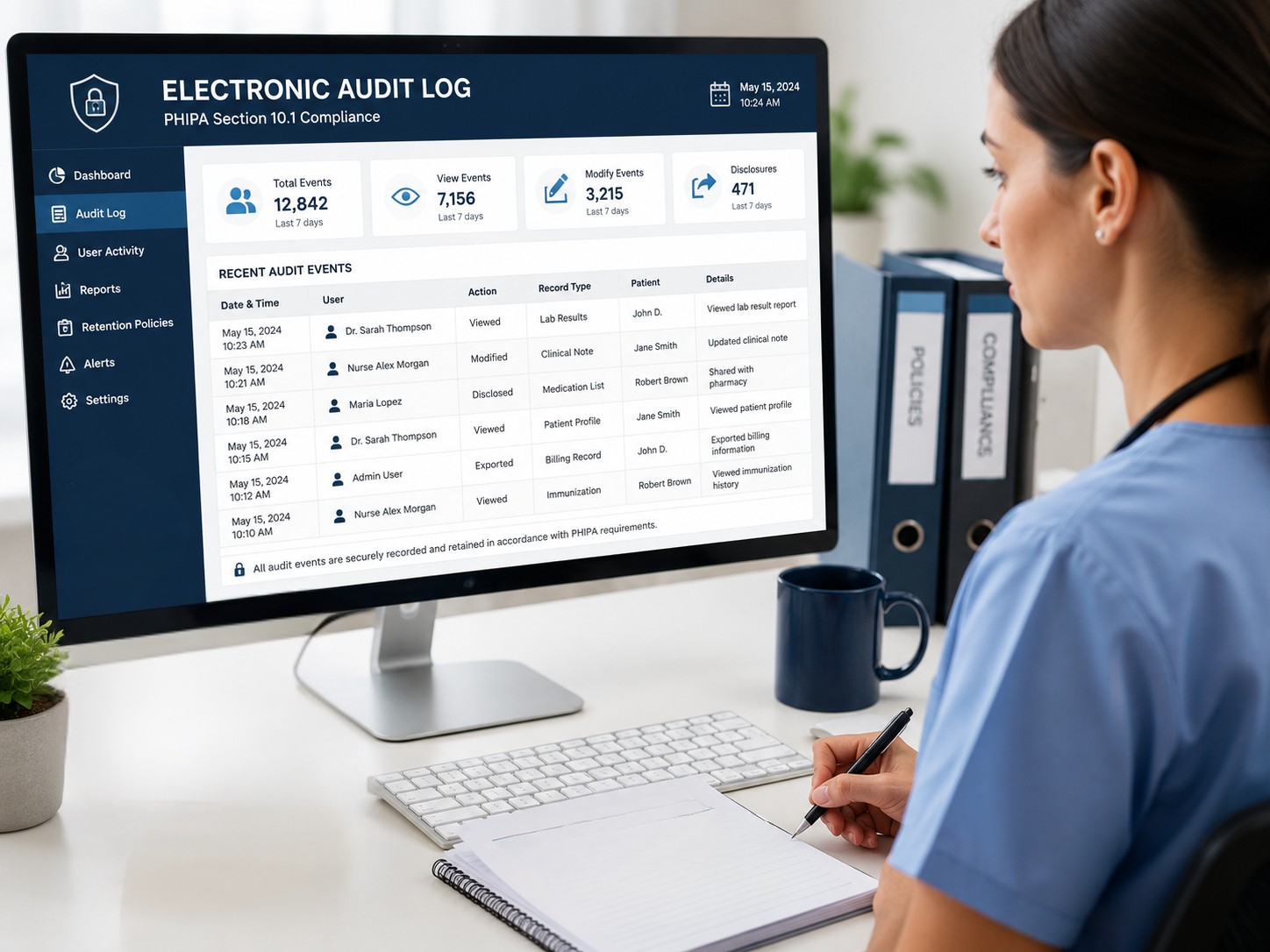
According to PHIPA Section 10.1, the electronic audit log must record every instance in which electronically accessible Personal Health Information is viewed, handled, modified, or otherwise managed.
The audit log must include:
The type of information that was viewed, handled, modified, or otherwise dealt with.
The date and time the activity occurred.
The identity of every individual who viewed, handled, modified, or otherwise dealt with the information.
The identity of the individual to whom the Personal Health Information relates.
Any additional information prescribed by regulation.
Maintaining this information helps organizations establish a complete electronic record of activity involving Personal Health Information.
Understanding the Core Requirements of PHIPA Section 10.1
To support compliance with Section 10.1, an organization's electronic logging infrastructure should perform three primary functions.
Log Maintenance
Healthcare organizations must actively maintain, or require the maintenance of, an electronic audit log for electronic records containing Personal Health Information.
Proactive Auditing
Organizations are required to audit and monitor electronic audit logs as required by the regulations. Regular monitoring helps identify unauthorized access and data anomalies.
Commissioner Readiness
Healthcare organizations must be prepared to provide a copy of the electronic audit log to the Commissioner upon request, including logs that contain Personal Health Information.
Choosing the Right Cloud Licensing
Entry-level business licenses and consumer cloud platforms may not provide the logging capabilities, retention options, or forensic tracking required for healthcare environments.
Heartfelt IT recommends the following licensing and storage environments.
Microsoft
Microsoft 365 Business Premium
Google Workspace Business Plus
Google Workspace Enterprise Standard
Cloud Storage Providers
Certified Canadian providers including:
Citrix ShareFile for Healthcare
On-Premises Systems
Organizations operating on-premises may use:
Network Attached Storage (NAS)
Localized Windows Server environments
Microsoft 365 Configuration
Healthcare organizations using Microsoft 365 can configure audit logging by following these steps.
Enable Unified Audit Logging
Navigate to:
Microsoft Purview Compliance Portal → Audit
If audit logging is not active, start recording user and administrator activity.
Configure Audit Retention Policies
Navigate to:
Audit → Audit Retention Policies
Create a retention policy with a minimum duration of three years, or according to your organization's data retention requirements, for:
Exchange
SharePoint
OneDrive
Microsoft Teams
Enable Advanced Auditing Events
Verify that advanced mailbox auditing features are enabled across all active staff accounts so that user activities, including email access, are recorded.
Google Workspace Configuration
Healthcare organizations using Google Workspace can configure audit logging through the Google Admin Console.
Access the Audit and Investigation Tools
Navigate to:
Google Admin Console → Reporting → Audit and Investigation
Configure Google Vault
Ensure Google Vault is enabled across the organization.
Create custom retention rules for:
Google Drive
Gmail
Google Chat
This helps retain records containing patient information.
Configure BigQuery Log Export (Optional)
Because Google Workspace limits active log visibility within the administrator interface, organizations may configure continuous log exports to Google BigQuery.
This creates an immutable database of user access timestamps that supports the ability to provide an electronic audit log when required.
Why Electronic Audit Logs Matter
PHIPA Section 10.1 places responsibility on healthcare organizations to demonstrate how Personal Health Information is accessed and managed.
During a suspected data breach or an audit, organizations must be prepared to provide a comprehensive electronic audit log that documents user activity.
Maintaining secure systems alone is not sufficient without an electronic record that supports audit readiness.
Support Your Clinic's Audit Readiness
Whether your clinic operates using Microsoft 365, Google Workspace, a compliant Electronic Medical Record (EMR) platform, or an on-premises environment, your electronic audit logging process should remain clear, continuous, and audit-ready.
Heartfelt IT helps healthcare organizations evaluate their technology environments and understand how their current infrastructure supports electronic audit logging.
Interested to learn more about PHIPA and PIPEDA Electronic Audit Log? Click here: https://heartfeltit.com/healthcare-auditlog