Microsoft 365 for Nonprofits
Microsoft 365 for Nonprofits: Boosting Your Mission with a Powerful Cloud Ecosystem
Nonprofit organizations need technology that helps their teams collaborate, communicate, protect sensitive information, and make the most of limited budgets. Microsoft 365 for nonprofits brings together productivity, communication, file storage, collaboration, and security tools in one cloud-based ecosystem.
At Heartfelt IT, we help nonprofit organizations plan, implement, migrate, secure, and manage their Microsoft 365 environment so their teams can spend less time dealing with technology and more time advancing their mission.
Whether you're looking to move from an aging email system, migrate from Google Workspace, improve collaboration, or simply get more value from your existing Microsoft licenses, Microsoft 365 can provide a flexible foundation for your organization's technology.
What Is Microsoft 365 for Nonprofits?
Microsoft 365 is Microsoft's cloud-based productivity and collaboration platform. It combines familiar applications such as Word, Excel, PowerPoint, and Outlook with cloud services designed to help organizations communicate and work together.
For nonprofit organizations, Microsoft offers dedicated nonprofit licensing and pricing options for eligible organizations. Depending on eligibility and the specific Microsoft 365 plan, nonprofits may be able to access donated or discounted services.
This can make Microsoft 365 an attractive option for charities, associations, community organizations, foundations, and other nonprofit organizations looking to strengthen their technology without putting unnecessary pressure on their operating budget.
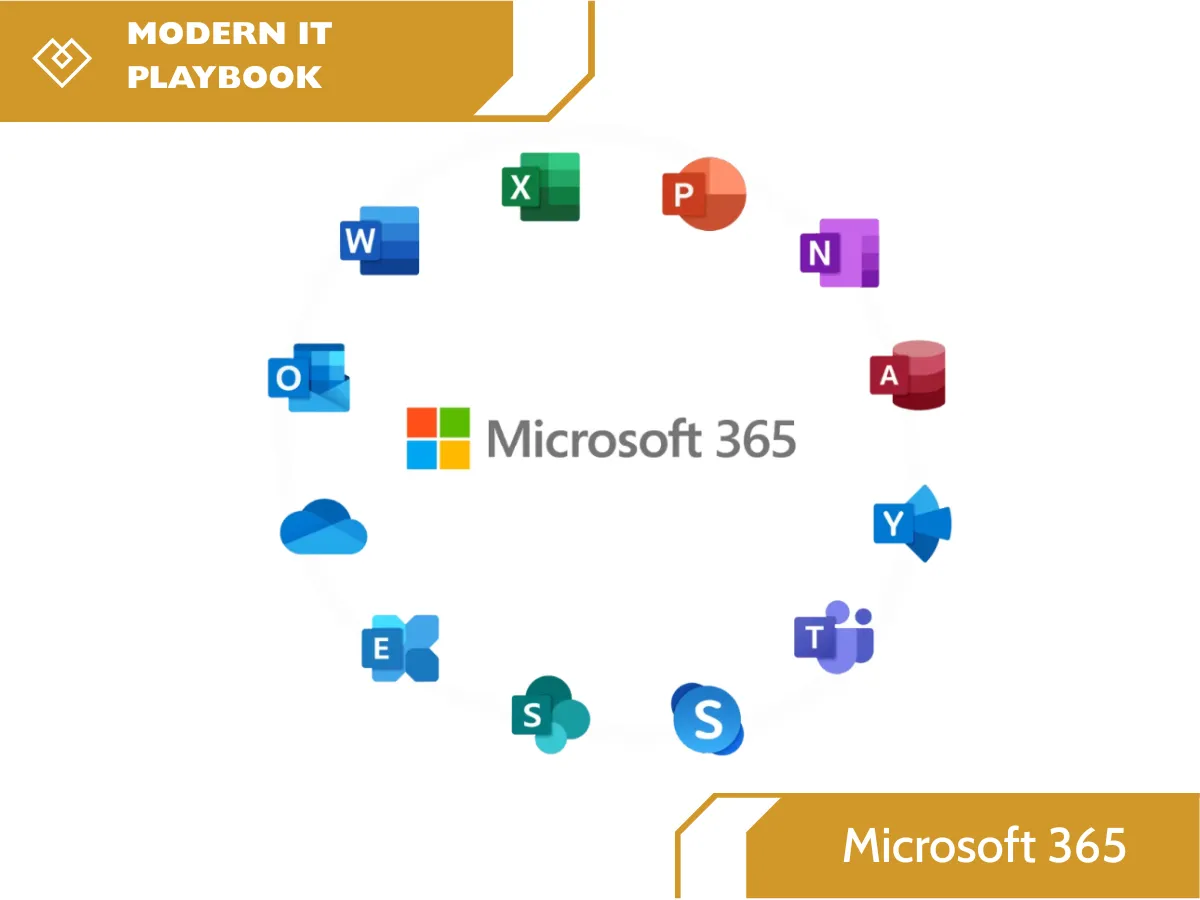
Microsoft 365 can include services such as:
Outlook and Exchange Online for professional email and calendars
Microsoft Teams for chat, meetings, calling, and collaboration
SharePoint for document management and internal collaboration
OneDrive for individual cloud file storage and sharing
Word, Excel, and PowerPoint for everyday productivity
Microsoft Entra ID for identity and access management
Microsoft Defender for security and threat protection
Microsoft Intune for device and application management
Microsoft Purview for data governance and compliance capabilities
The exact applications and security features available depend on the Microsoft 365 plan and licensing selected.
Microsoft 365 Nonprofit Plans and Pricing
One of the biggest reasons nonprofits explore Microsoft 365 is the Microsoft nonprofit program.
Eligible nonprofit organizations may qualify for special Microsoft 365 nonprofit pricing, including donated or discounted licenses. Availability, eligibility requirements, pricing, and included features can change, so organizations should verify their current eligibility and plan options directly with Microsoft.
Choosing the right nonprofit licensing is important. A small organization with a few employees may have very different requirements from a growing nonprofit with volunteers, remote employees, multiple locations, and sensitive member or donor information.
At Heartfelt IT, we can help your organization understand its technology requirements and configure Microsoft 365 around the way your team actually works.
How Your Nonprofit Can Benefit from Microsoft 365
By choosing Heartfelt IT to manage your Microsoft 365, your organization will benefit from:
Enhanced Collaboration
Work together in real time on documents, projects, and communications using Microsoft Teams and SharePoint.
Increased Productivity
Access your files and tools from any device, anywhere, and streamline your workflow.
Reduced Costs
For eligible nonprofits, Microsoft 365 is available for free or at a deep discount, allowing you to reallocate funds to your mission. Microsoft currently offers grants and discounted nonprofit pricing for eligible organizations, with specific offers depending on eligibility, location, and plan.
Improved Security
Benefit from Microsoft's robust, enterprise-level security features to protect your sensitive data and stay compliant.
Seamless Integration
All tools are designed to work together, creating a unified and efficient digital workspace. Microsoft 365 integrates tools such as Teams, SharePoint, and OneDrive to support collaboration, file sharing, and productivity.
Microsoft 365 Migration for Nonprofits
Moving to Microsoft 365 doesn't have to mean disrupting your organization.
Heartfelt IT can help nonprofits plan and manage their Microsoft 365 migration, including migrations from legacy email platforms, on-premises systems, or other cloud productivity platforms.
Our migration process can include:
Planning and assessment
Domain verification
Microsoft 365 tenant configuration
User account creation
Email migration
Calendar and contact migration
File migration
Microsoft Teams configuration
Security configuration
User onboarding
Post-migration support
The goal is to make the transition as smooth as possible while protecting business-critical information.
Microsoft 365 Setup and Configuration
Starting with the right configuration can prevent problems later.
Heartfelt IT can manage your Microsoft 365 setup for nonprofits, including user accounts, domains, permissions, security settings, applications, and organizational policies.
We can help determine how Microsoft 365 should be structured based on your organization's size, workflow, users, devices, and security requirements.
Training and Onboarding for Nonprofit Teams
Technology only creates value when people know how to use it.
Our Microsoft 365 training for nonprofits helps staff become comfortable with the tools they use every day.
Training can cover Microsoft Teams, Outlook, OneDrive, SharePoint, Word, Excel, PowerPoint, file sharing, collaboration, and security best practices.
We can also provide guidance for onboarding new employees and volunteers so your organization has a consistent process for adding and removing users.
Ongoing Microsoft 365 Support for Nonprofits
Microsoft 365 is a cloud service, but that doesn't mean your organization doesn't need IT support.
Users may need assistance with account access, permissions, email, Teams, file sharing, devices, security settings, licensing, or new employee onboarding.
Heartfelt IT provides ongoing Microsoft 365 support for nonprofits, helping organizations manage their environment and troubleshoot issues as they arise.
Our goal is to give nonprofit leaders and staff a reliable technology partner without requiring them to become Microsoft 365 experts themselves.
Why Choose Heartfelt IT for Microsoft 365?
At Heartfelt IT, we understand that nonprofit technology needs to balance budget, security, usability, and mission impact.
We can support your organization throughout the Microsoft 365 lifecycle—from initial planning and setup through migration, training, security, administration, and ongoing support.
With the right Microsoft 365 strategy, your organization can create a more connected workplace, improve productivity, strengthen security, and make better use of its technology investment.
Ready to Make Microsoft 365 Work Better for Your Nonprofit?
Whether you're considering Microsoft 365 for nonprofits, planning a migration, reviewing your current licensing, or looking for ongoing nonprofit IT support, Heartfelt IT can help.
Let us help you build a secure, productive, and manageable Microsoft 365 environment that supports your mission.
Explore Microsoft 365 for your nonprofit: https://heartfeltit.com/ms365