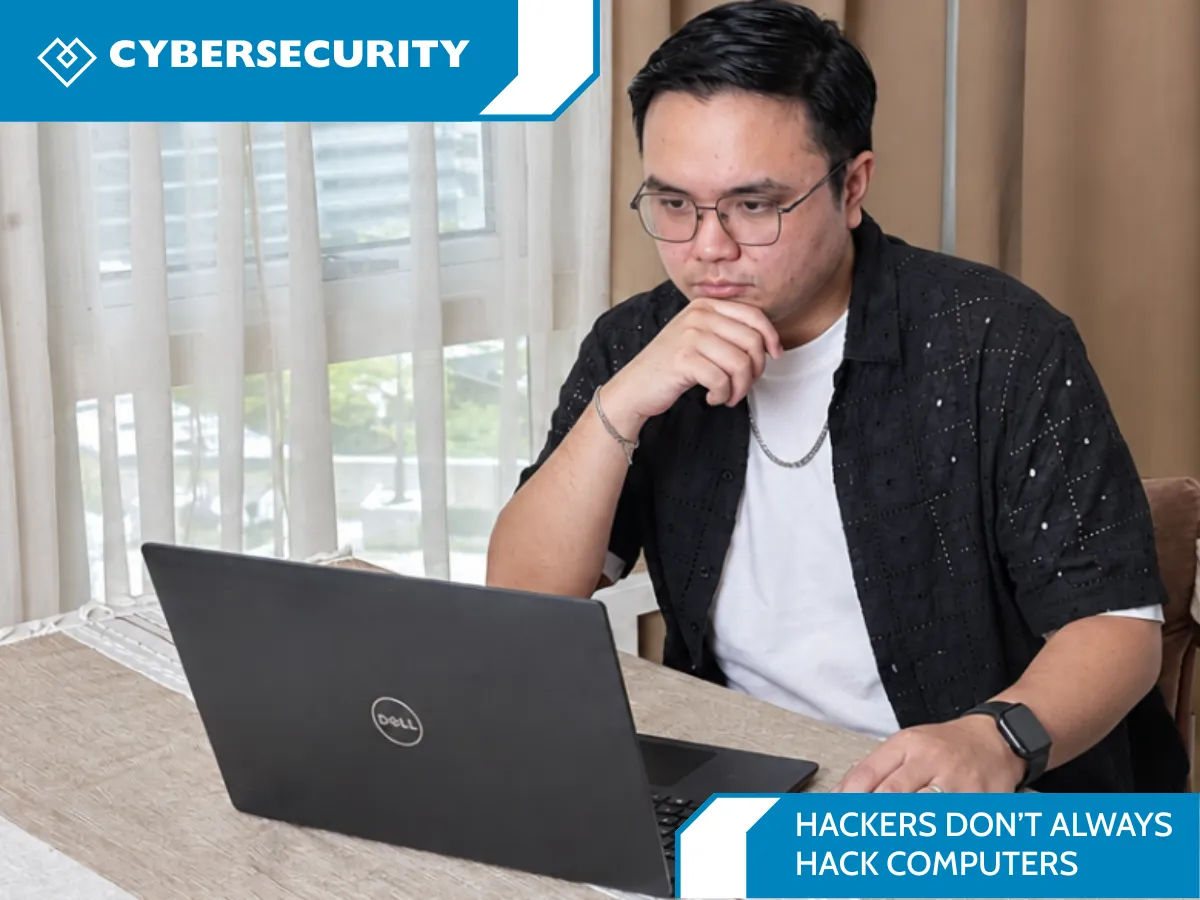
Hackers Don’t Always Hack Computers
How Social Engineering Puts People and Businesses at Risk
When people picture a hacker, they often imagine someone breaking through a firewall or writing code to take over a computer. But many cyber incidents start with something much more ordinary: a message that looks familiar, a phone call that sounds urgent, or a request that seems to come from a trusted colleague.
That’s because hackers don’t always hack computers. Sometimes they manipulate people into opening the door for them. This tactic is called social engineering, and it can affect anyone who uses email, text messages, social media, online banking, or workplace collaboration tools.
During October’s Cybersecurity Awareness Month—known in Canada as Cyber Month—it’s a good time for individuals and businesses to understand how these scams work and build simple habits that make them harder to pull off.
What is social engineering?
Social engineering is the use of deception or psychological pressure to persuade someone to share information, send money, click a link, open an attachment, or grant access to an account or system. Instead of exploiting a technical flaw first, an attacker exploits trust, routine, curiosity, fear, or a sense of urgency.
A social engineering attack might arrive as a phishing email from a bank, a text message about a missed delivery, a phone call from someone claiming to be IT support, or a direct message from a familiar social media account. In a workplace, it could be a fake invoice, a password reset request, or a message that appears to come from the CEO.
The goal is often to steal login credentials or payment details, gain access to business email, install malware, or collect information that can be used in a later attack. Once one account is compromised, criminals may use it to target coworkers, customers, or suppliers.
Common social engineering attacks to know
Phishing is a fraudulent email or online message designed to trick a person into clicking a link, opening a file, or revealing sensitive information. Smishing uses text messages, while vishing uses phone calls or voicemail. These scams may impersonate banks, delivery companies, government services, vendors, or an employee’s own organization.
Business email compromise (BEC) is a form of fraud that targets business email and payment processes. An attacker might impersonate an executive asking for a wire transfer, or a supplier asking to change banking details. The message can be convincing because it refers to a real project, colleague, or invoice.
Spear phishing is a more personalized phishing attempt aimed at a particular person or organization. Attackers may use details from company websites and public social media profiles to make a message feel credible. AI tools can also help scammers create polished messages or imitate a trusted person’s voice, so grammar mistakes are no longer a reliable warning sign.

How to spot a suspicious message or request
A message deserves a second look if it creates pressure to act immediately, asks for confidential information, requests an unusual payment, or tells you to bypass normal approval steps. Other warning signs include an unfamiliar sender address, a slightly misspelled website domain, an unexpected attachment, a link that does not match the claimed destination, or a request to keep the conversation secret.
Still, a message can look completely normal and be fraudulent. Do not rely on spelling errors or your spam filter alone. If a request involves money, passwords, personal information, or access to company systems, verify it using a separate, trusted channel. For example, call the person using a number you already have on file, or visit the organization’s website by typing its address yourself. Don’t reply to the suspicious message to verify it.
Simple ways to protect yourself and your business
A few everyday practices can make social engineering less effective:
Pause before you click or pay. Treat unexpected requests for money, credentials, gift cards, or sensitive data with care, especially when they include urgency or secrecy.
Use strong, unique passwords. A password manager can help create and store a different password for every account. Turn on multi-factor authentication (MFA), especially for email, banking, remote access, and administrator accounts.
Keep devices and software updated. Updates fix known security weaknesses. Enable automatic updates where practical.
Set clear verification and payment procedures. Require a second check for changes to supplier banking details and unusual transfers. Make it easy for staff to confirm requests without fear of slowing down a decision.
Train people and encourage reporting. Show employees what phishing, smishing, vishing, and BEC look like in your business. Make sure they know where to report something suspicious and what to do if they clicked.
Limit access and keep backups. Give each person only the access needed for their role, and maintain backups of important business data. These steps can reduce the impact if an account or device is compromised.
What should you do if you clicked a link or shared information?
Act quickly, but don’t panic. Tell your IT or security contact as soon as possible. If you entered a password, change it using the legitimate service’s website and update it anywhere else you reused it. Turn on or reset MFA. If you shared banking or payment information, contact your financial institution using its official number. Follow your organization’s incident response process and preserve the suspicious message for review.
Reporting quickly can help protect other people, too. In a business, make reporting straightforward: staff should know whom to contact, what information to provide, and that a fast report is more useful than hiding an honest mistake.
Make October a starting point for stronger cybersecurity
Cybersecurity Awareness Month is a useful reminder, but protecting people and systems is a year-round effort. The Canadian Centre for Cyber Security advises organizations to verify suspicious communications through another channel, use MFA, apply updates, and prepare for incidents. Those steps are practical for small businesses as well as larger organizations.
If you’re unsure where your business is exposed, our team can help you review account security, email protections, backup practices, employee processes, and incident readiness. Book a meeting with us: https://heartfeltit.com/meeting to discuss a practical cybersecurity checkup for your organization. We’ll help you identify sensible next steps for your team and technology.
This article is general awareness information, not a substitute for advice tailored to your organization.